- |
how to verify your identity
How to Verify Your Identity for a Localcoin Bitomat - Step by Step Guide
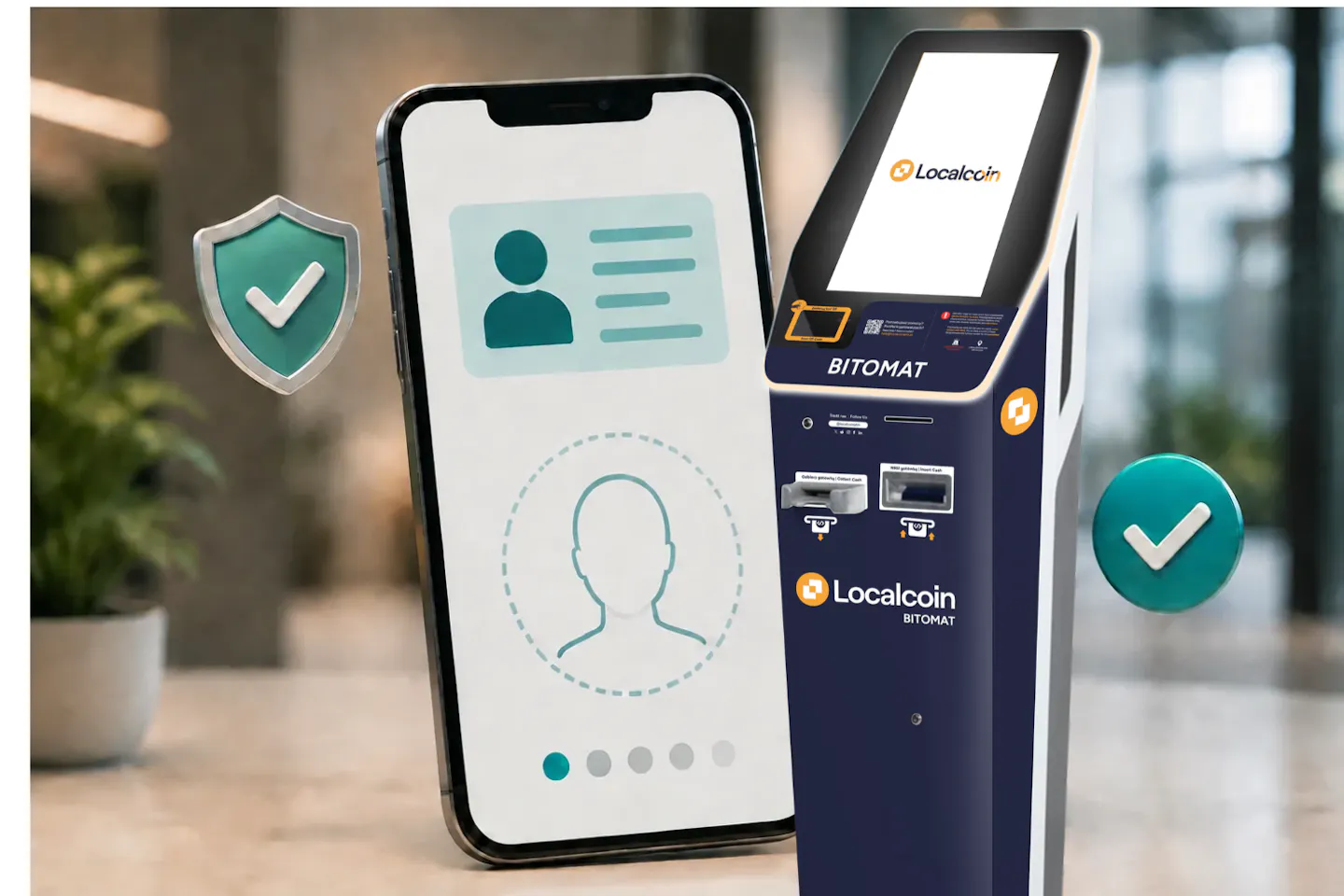
You don't need to complete ID verification if your transactions stay within 4,150 zł (€950) per transaction and 8,300 zł (€1,900) during your first month.
Quick Summary
What this guide covers: how to verify your identity when your transactions go above the limits above.
How to start: Start at the Bitomat and enter your phone number. You'll receive an SMS with a link to the verification page. Prefer to start from home? Verify online at localcoinatm.com/en-pl/kyc.
How long it takes: A few minutes to complete the 5 stages, plus a few minutes for us to check your answers.
What you need: A valid ID document, a phone with a camera and internet access, your home address, and information about your source of funds and expected monthly deposits.
Step 1 – Start your verification
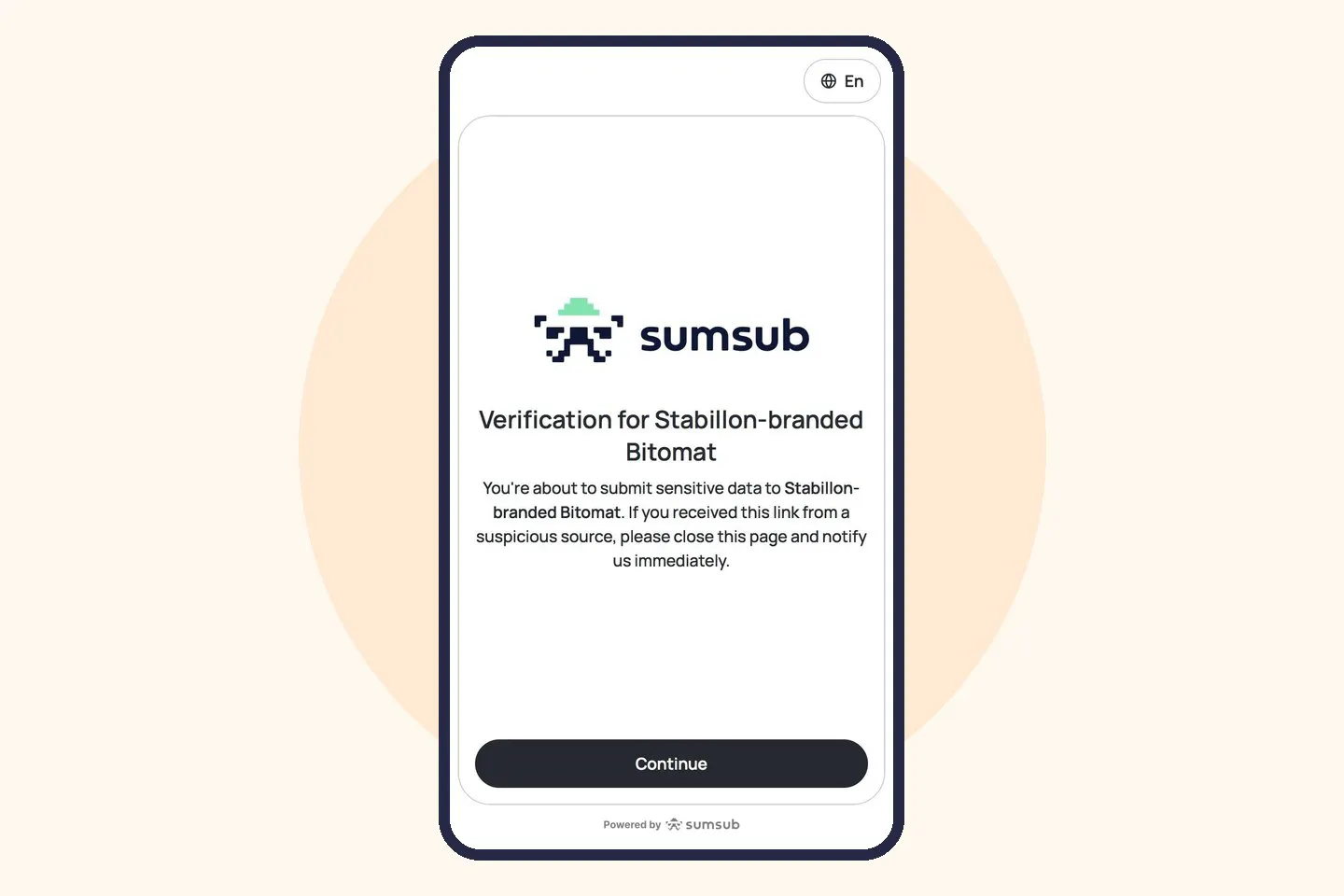
Open the link from your SMS, or start online at localcoinatm.com/en-pl/kyc without going to a Bitomat. On the verification page, tap “Continue”, then “Start verification”, and agree to the data processing terms by tapping “Agree and continue”.
Step 2 – Upload your ID
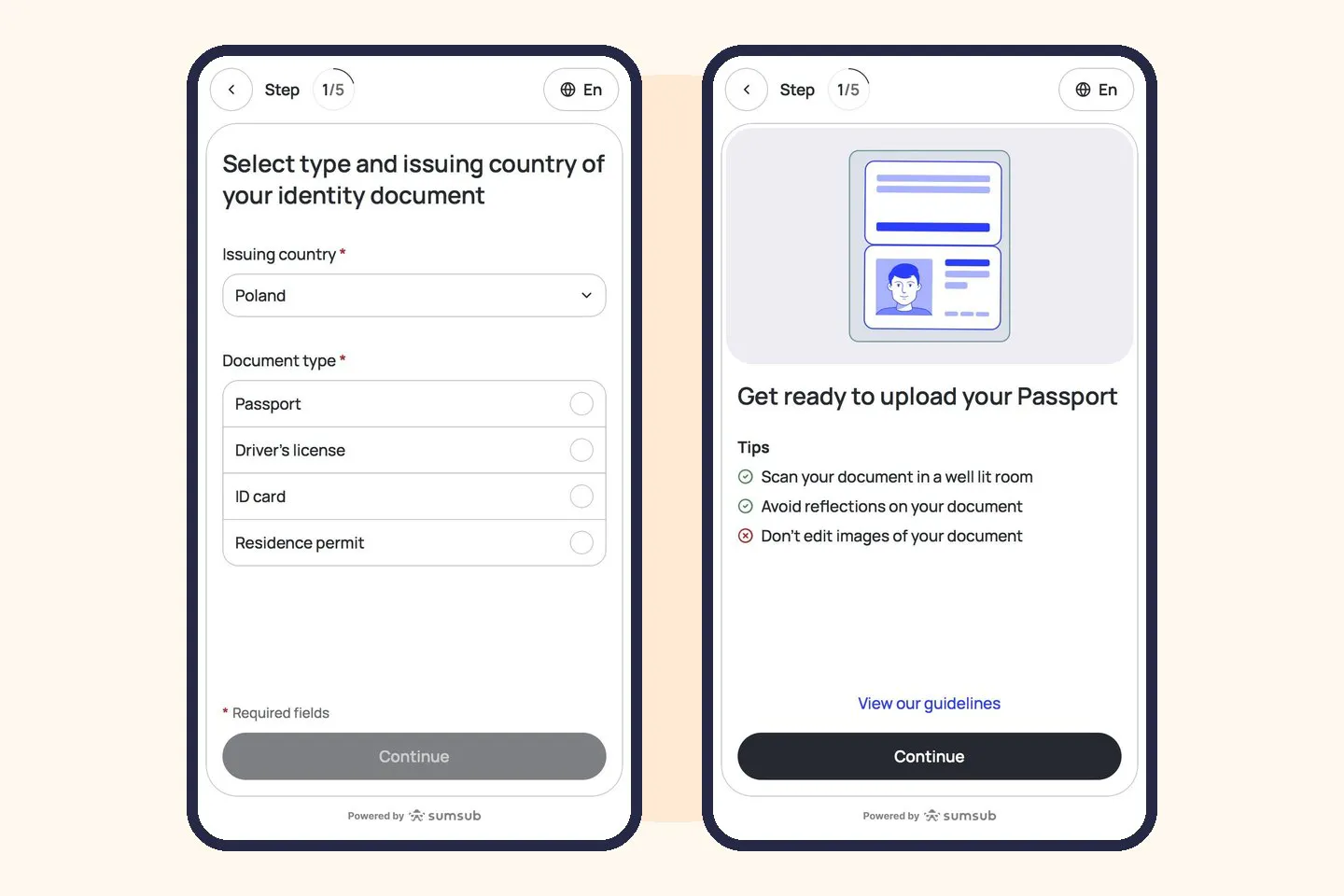
Select the issuing country (e.g. Poland) and your document type: passport, driver's license, ID card or residence permit. Then scan your document by following the on-screen instructions and tap “Continue”.
Scan in a well-lit room, avoid reflections and don't edit the images of your document.
Step 3 – Take a selfie
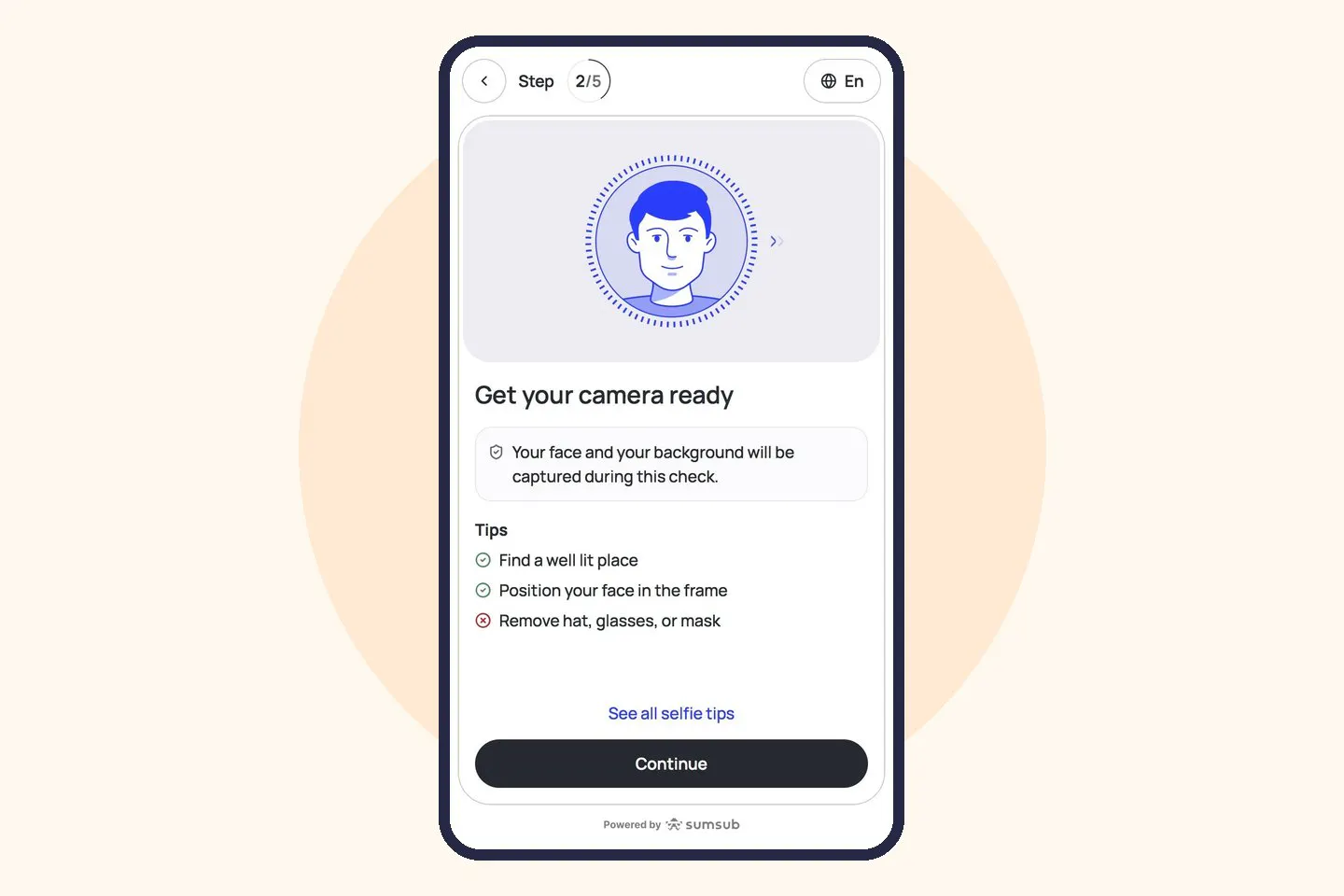
Get your camera ready - your face and background will be captured during this check. Position your face in the frame and follow the on-screen instructions.
Find a well-lit place and remove your hat, glasses and mask.
Step 4 – Confirm your personal information
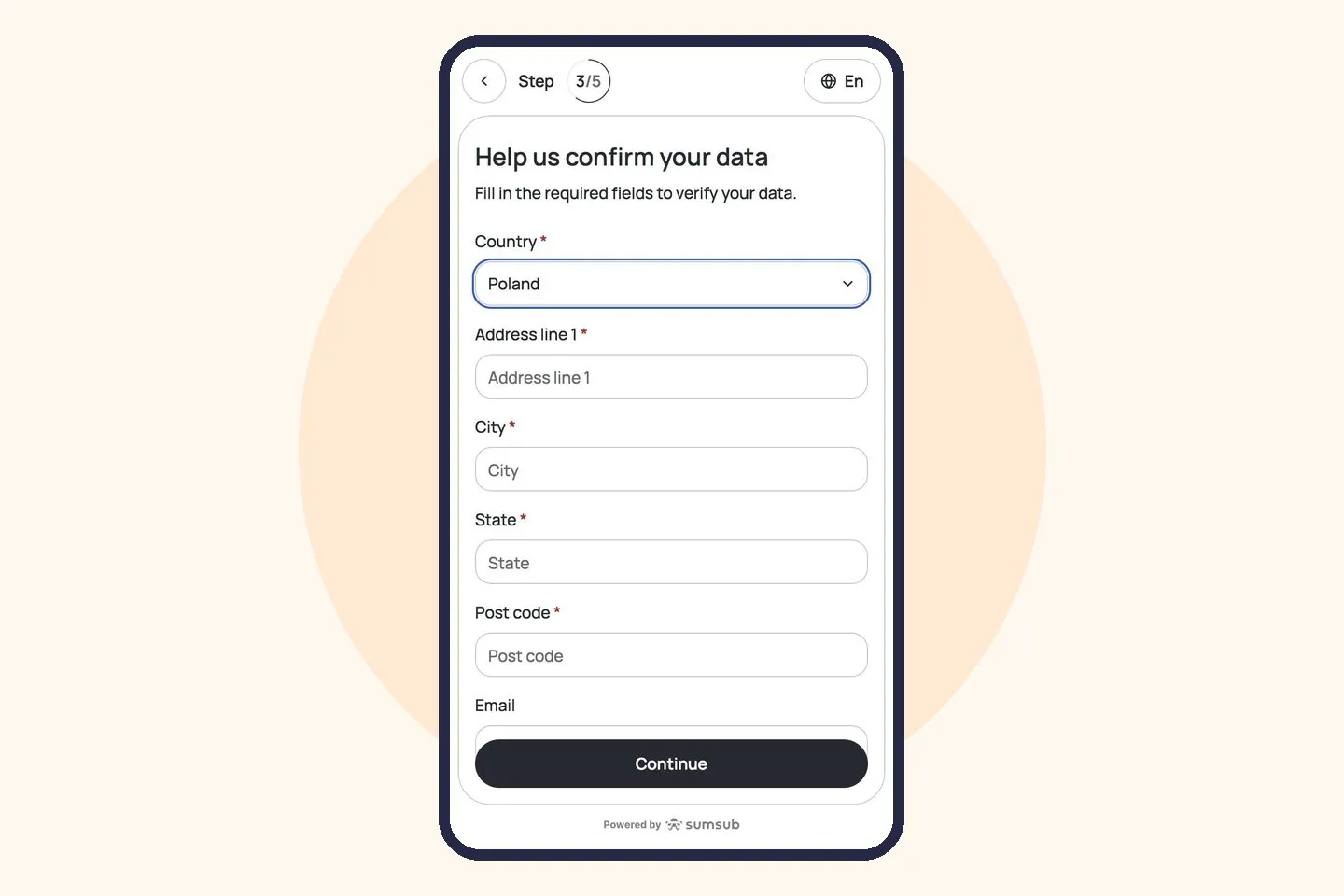
Confirm your country (Poland) and enter your home address: address line, city, voivodeship (state) and postcode. You can also add your email address. Fields marked with an asterisk are required.
Your address is required under anti-money-laundering regulations.
Step 5 – Answer a quick questionnaire
First, tick every way you plan to use the Bitomat – for example investing, buying goods and services, sending crypto to family or friends, or selling your crypto – and tap “Continue”.
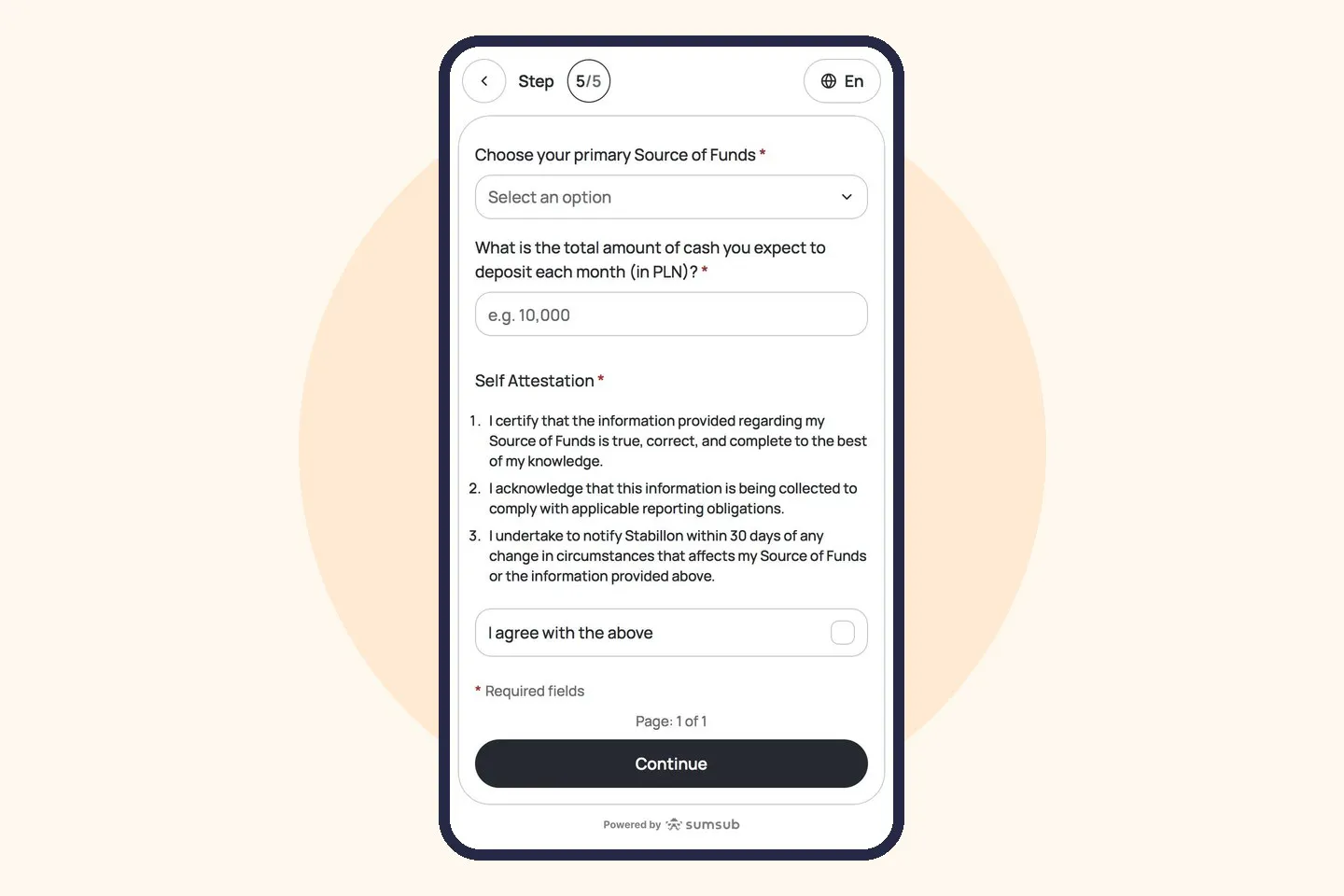
Then choose your primary source of funds, enter the total amount of cash you expect to deposit each month (in PLN), tick “I agree with the above” and tap “Continue”.
This information is required by regulation. By agreeing, you confirm it's accurate and commit to reporting any change within 30 days.
What happens next?
After you tap “Continue”, we'll check your answers – this can take a few minutes, so keep the page open. When it's done, you'll see this message on the same screen:
“Congratulations! Your verification was successful. You can now go to a Bitcoin ATM and make a transaction.”