- |
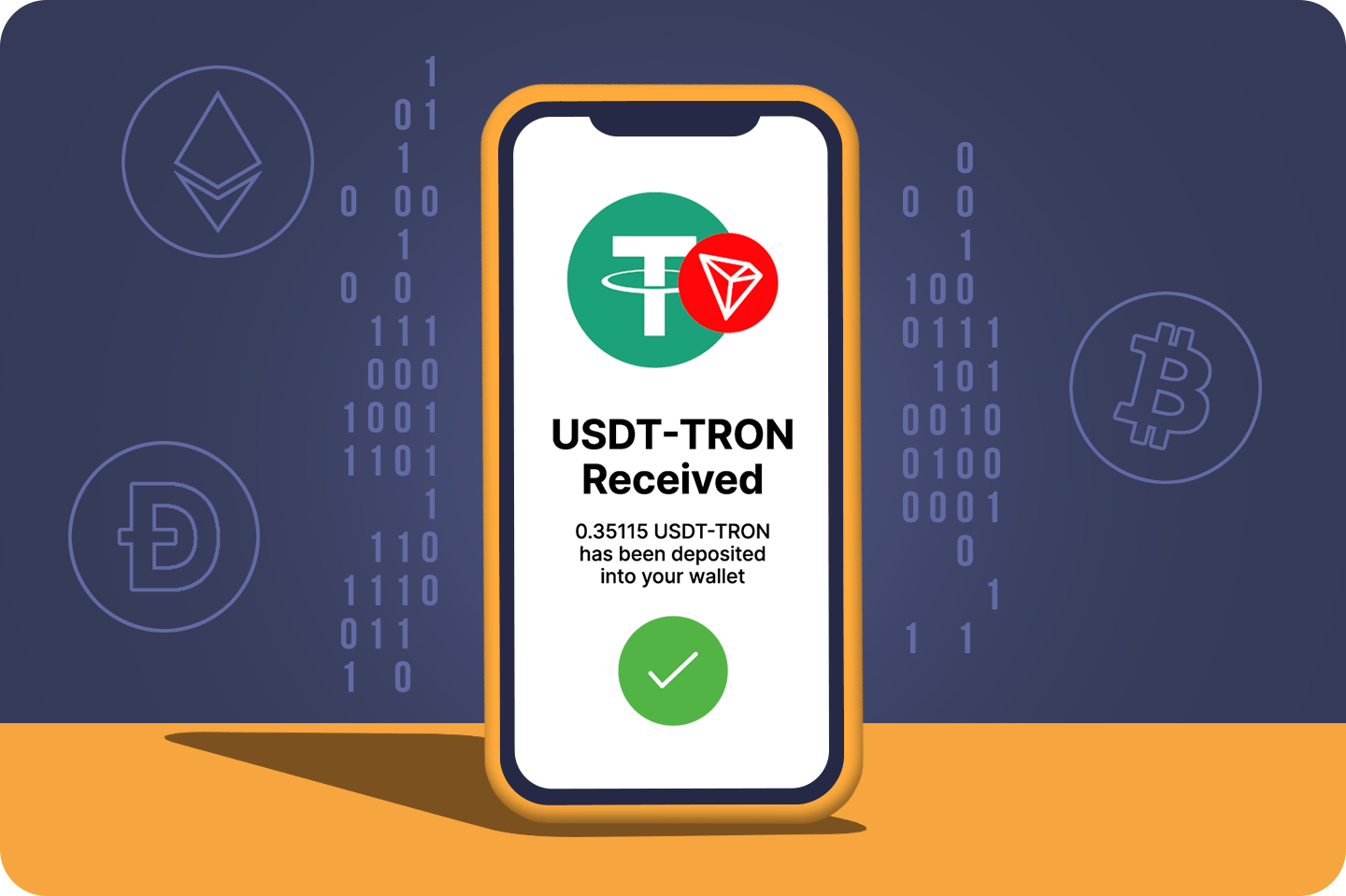
how to buy usdt tron
How To Buy USDT-TRON (TRC20) in Hong Kong Using A Bitcoin ATM
How to use a Localcoin ATM
This guide will walk you through how to use a Localcoin ATM to buy crypto.
Step 1 - Find the Nearest ATM
Find the closest Localcoin ATM near you.
All you need is your wallet address QR code and cash!

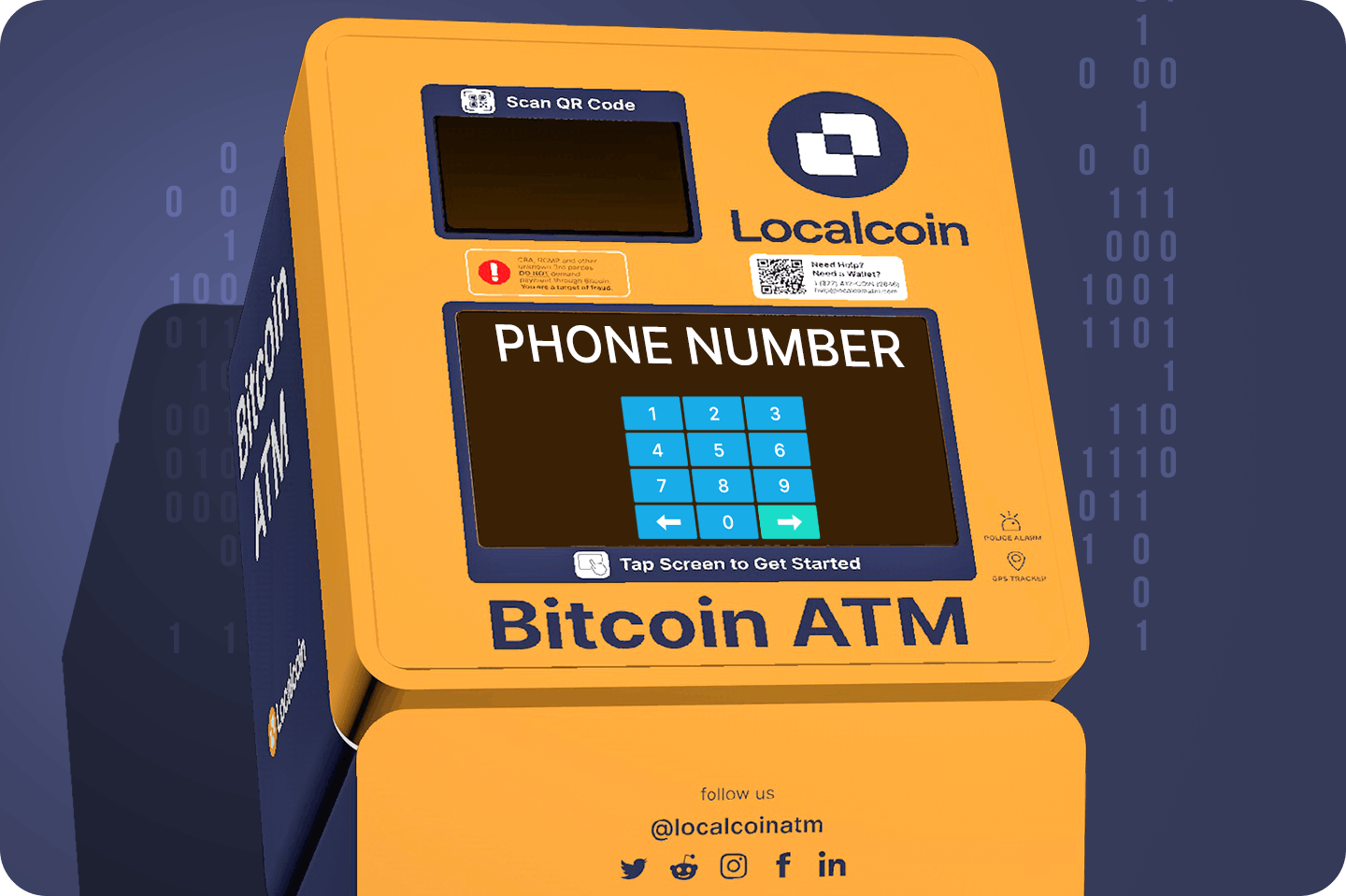
Step 2 - Select Crypto & Verify Phone number
Once you're at a Localcoin ATM, select USDT-TRON from the list of cryptocurrencies available, then enter your phone number to begin the transaction.
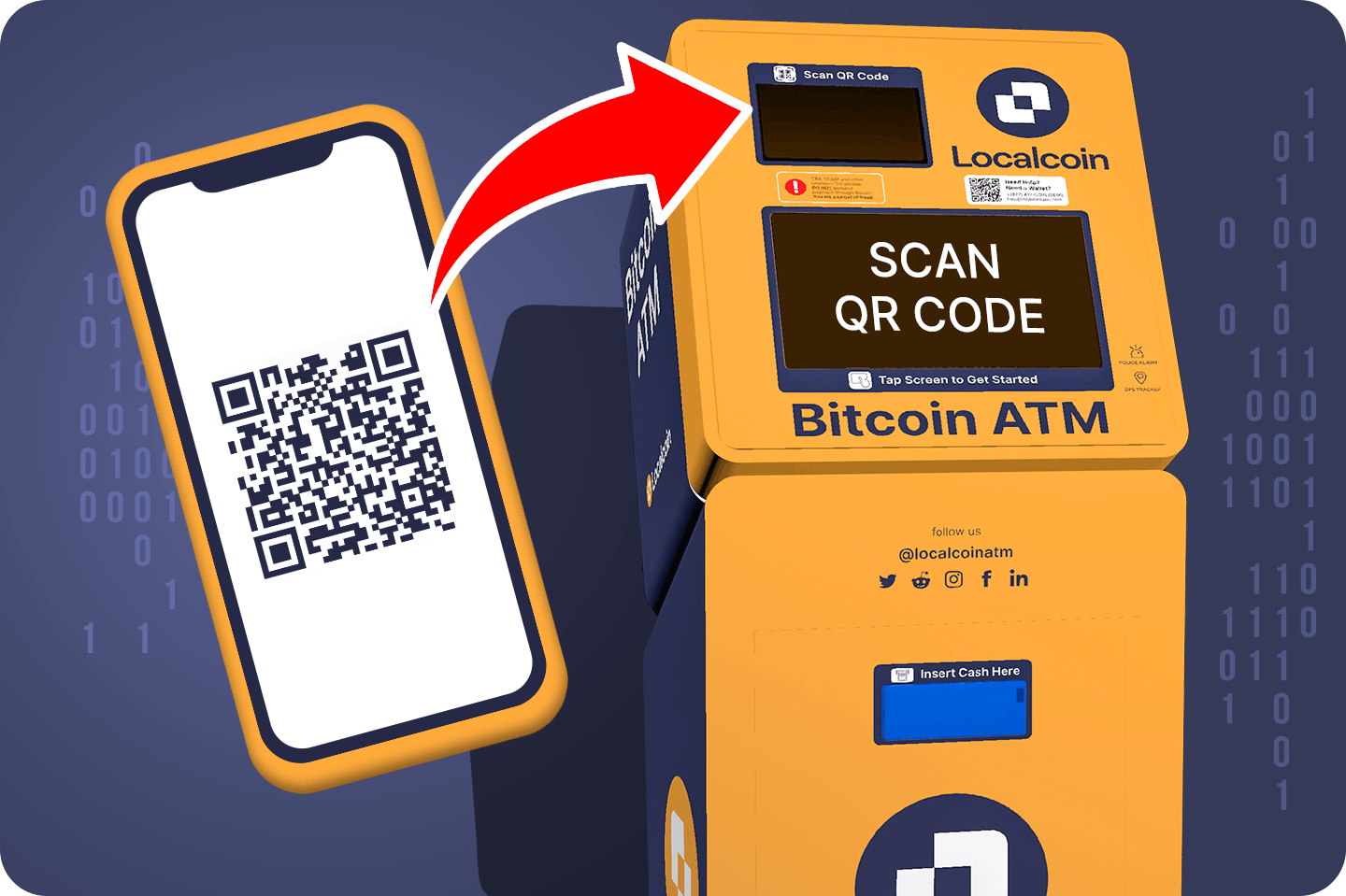
Step 3 - Scan Wallet
Use your wallet's QR code, and hold it up to the ATM's camera.
Don't have a wallet? See below for our recommendations.
Step 4 - Insert Cash & Receive USDT-TRON
Insert the amount of cash equivalent to the USDT-TRON you would like to purchase. A receipt will be sent via SMS.