- |
sell bitcoin guide
How To Sell Bitcoin (BTC) Using A Bitcoin ATM
How to Sell Bitcoin at a Localcoin ATM
You'll Need: Government-Issued ID, Cash, and a Digital Wallet
Step 1 - Find the Nearest ATM

Step 2 - Sign Up
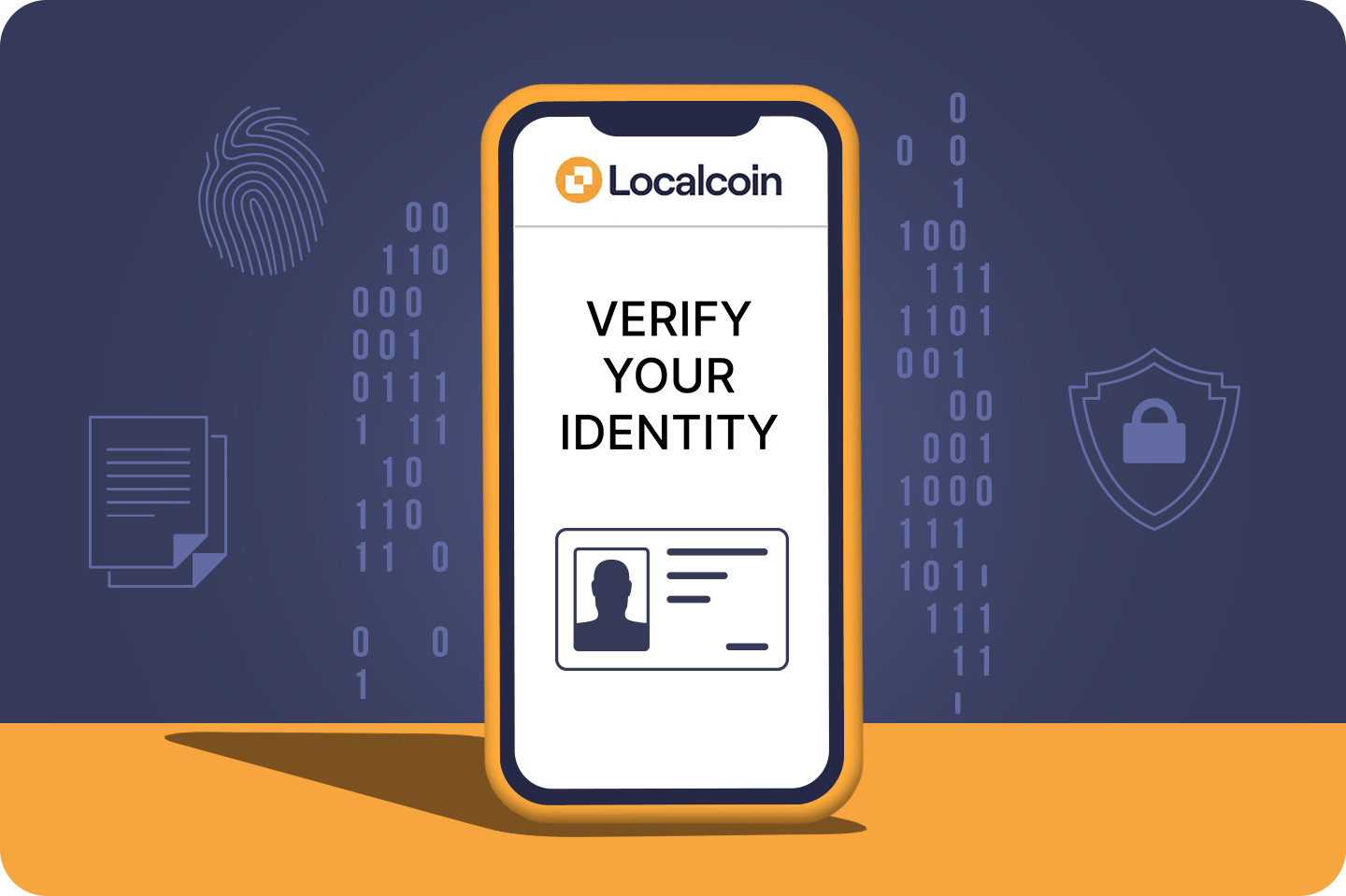
Submit your phone number and government issued ID to sign up at our ATMs. It takes about 2 minutes to sign-up.
Step 3 - Begin Transaction
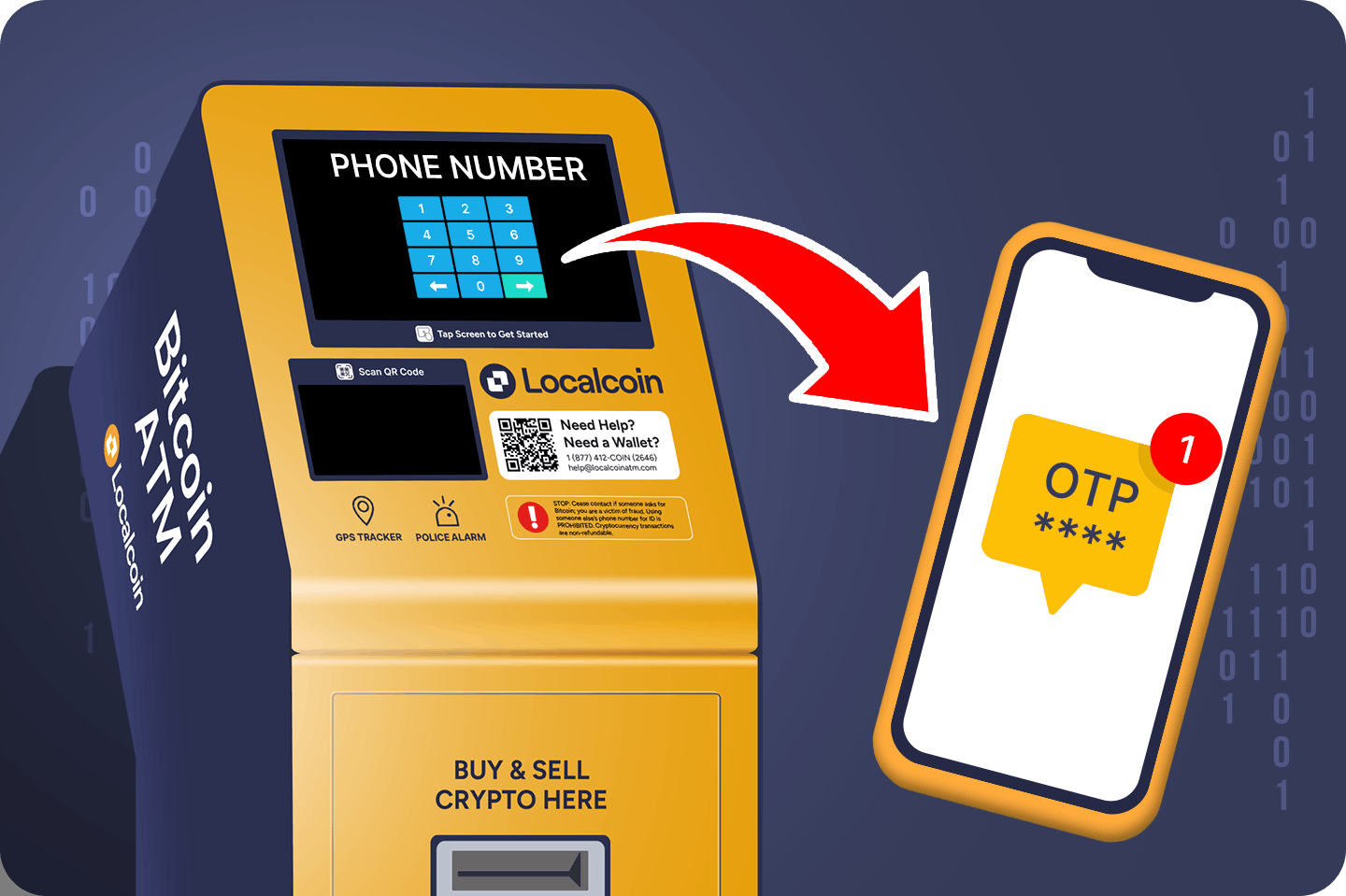
Re-enter your phone number to begin the transaction
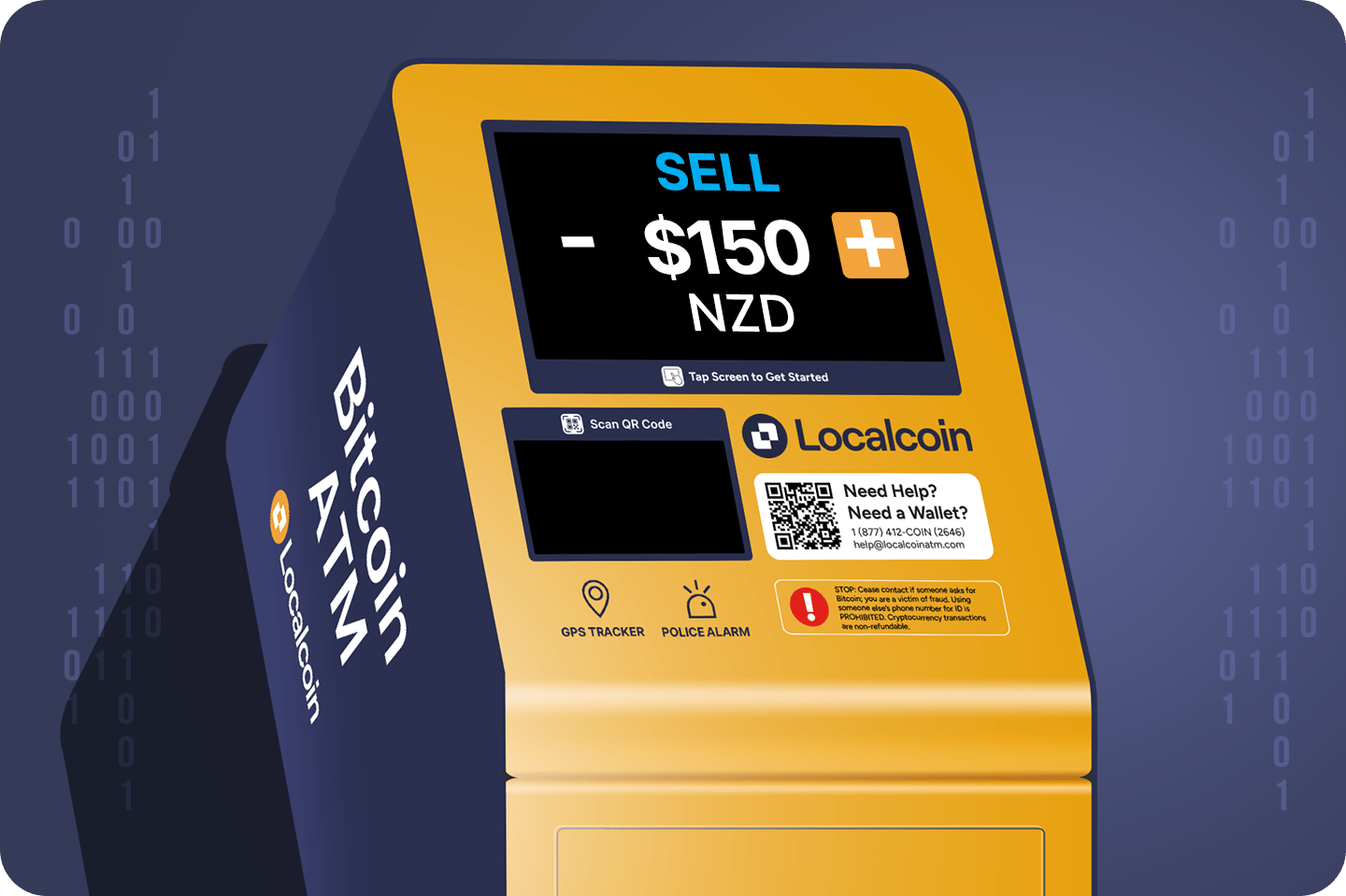
Step 4 - Set NZD Amount
Select Bitcoin, and set the NZD amount you would like to convert and withdraw.

Trust Wallet
Trust Wallet Available for Android, iOS, and any Chromium browser

Step 5 - Send Bitcoin & Withdraw Cash
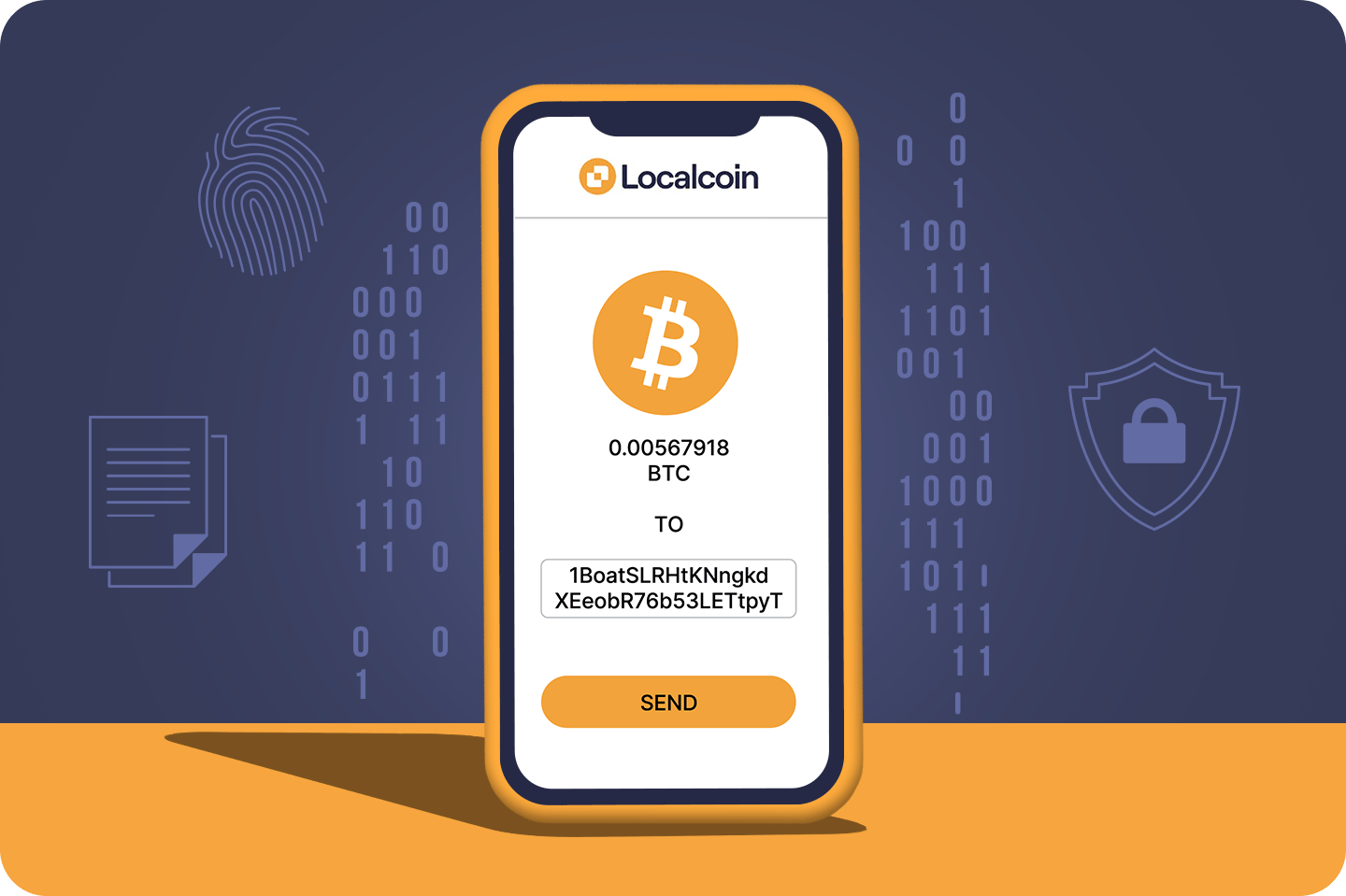
Scan the QR code on the receipt with your mobile wallet to send the Bitcoin amount specified. Ensure the receipt is kept with you.
Your withdrawal will be ready after a few minutes when you receive a text notification. Scan the receipt at the machine and withdraw your cash.