- |
how to buy usdt tron
How To Buy USDT-TRON (TRC20) Using A Bitcoin ATM

How to use a Localcoin ATM
You'll Need: Government-Issued ID, Cash, and a Digital Wallet
Step 1 - Find the Nearest ATM

Step 2 - Sign Up
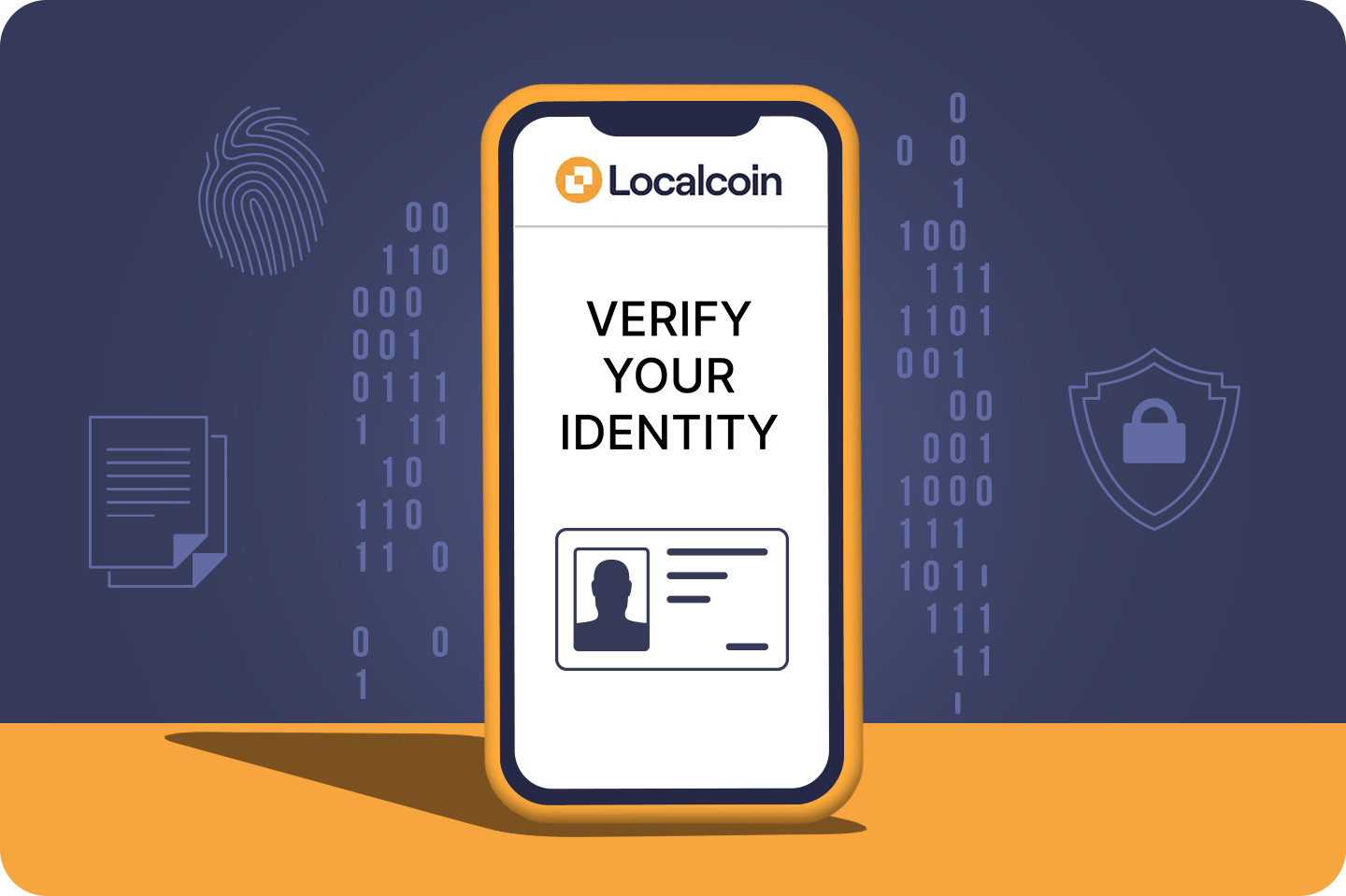
Submit your phone number and government issued ID to sign up at our ATMs. It takes about 2 minutes to sign-up.
Step 3 - Begin Transaction
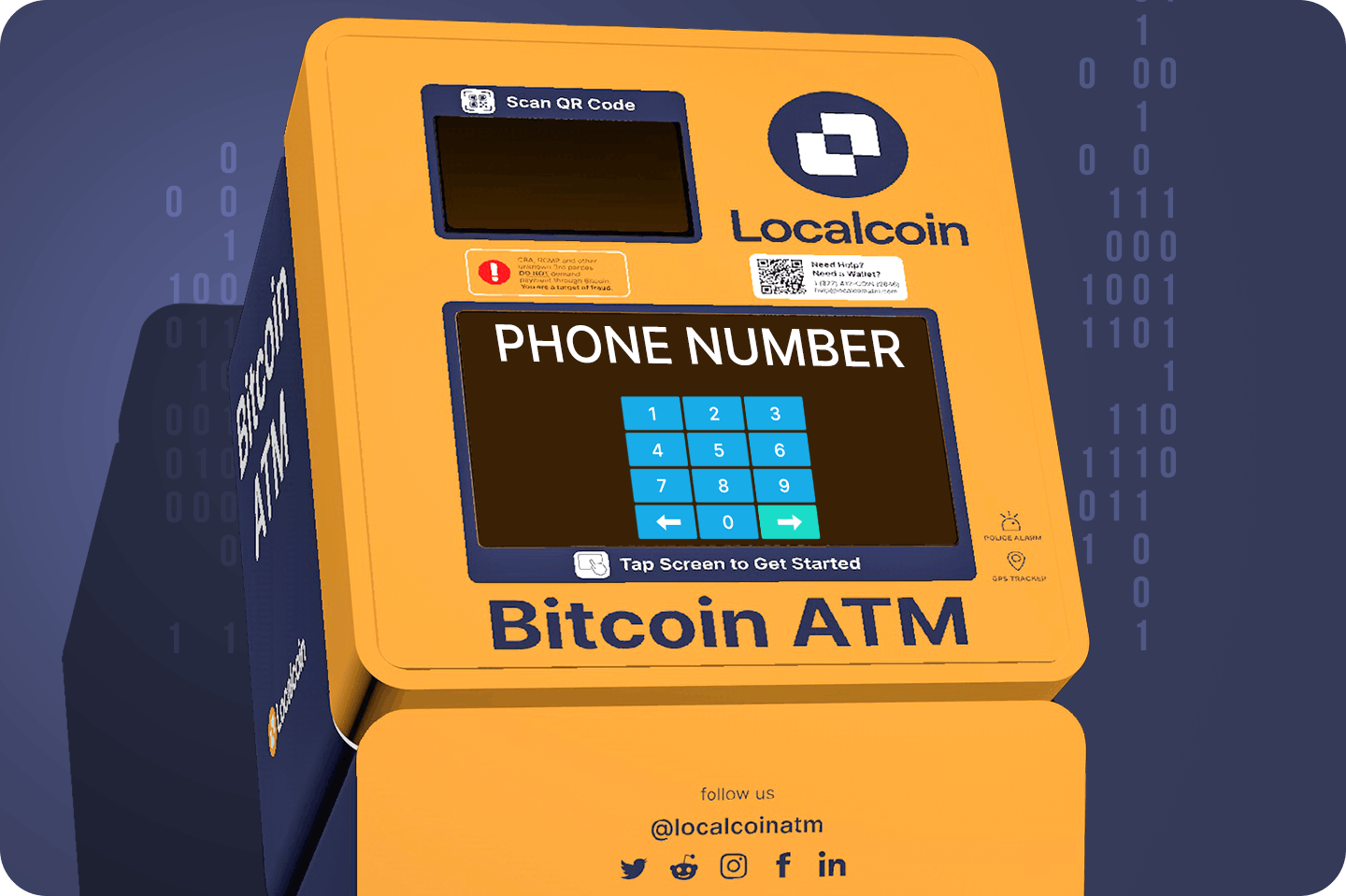
Re-enter your phone number to begin transaction
Step 4 - Scan Wallet
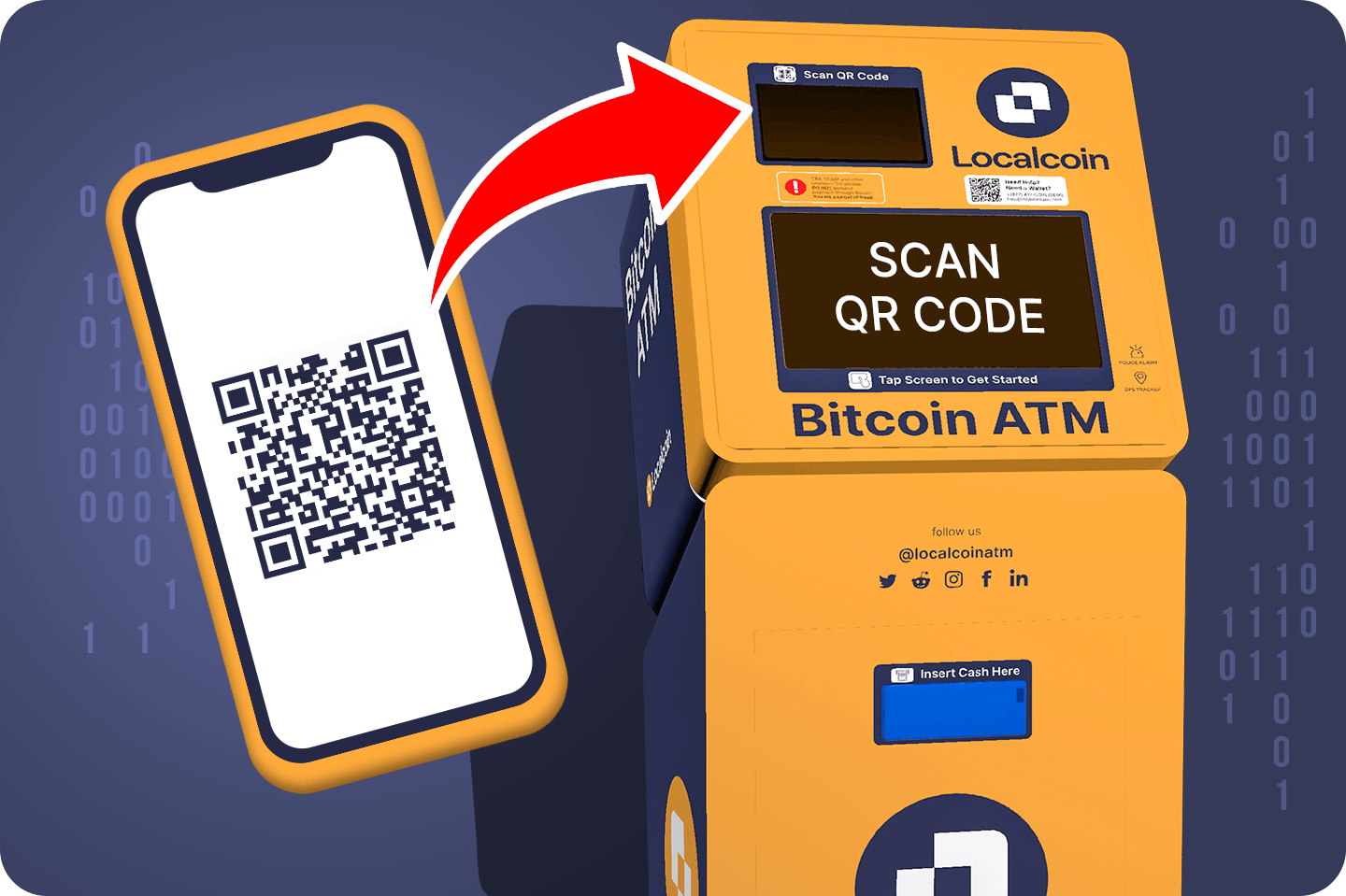
Select USDT-TRON, use your wallet's QR code, and hold it up to the ATM's camera. Don't have a wallet? See below for our recommendations.

Trust Wallet
Trust Wallet Available for Android, iOS, and any Chromium browser

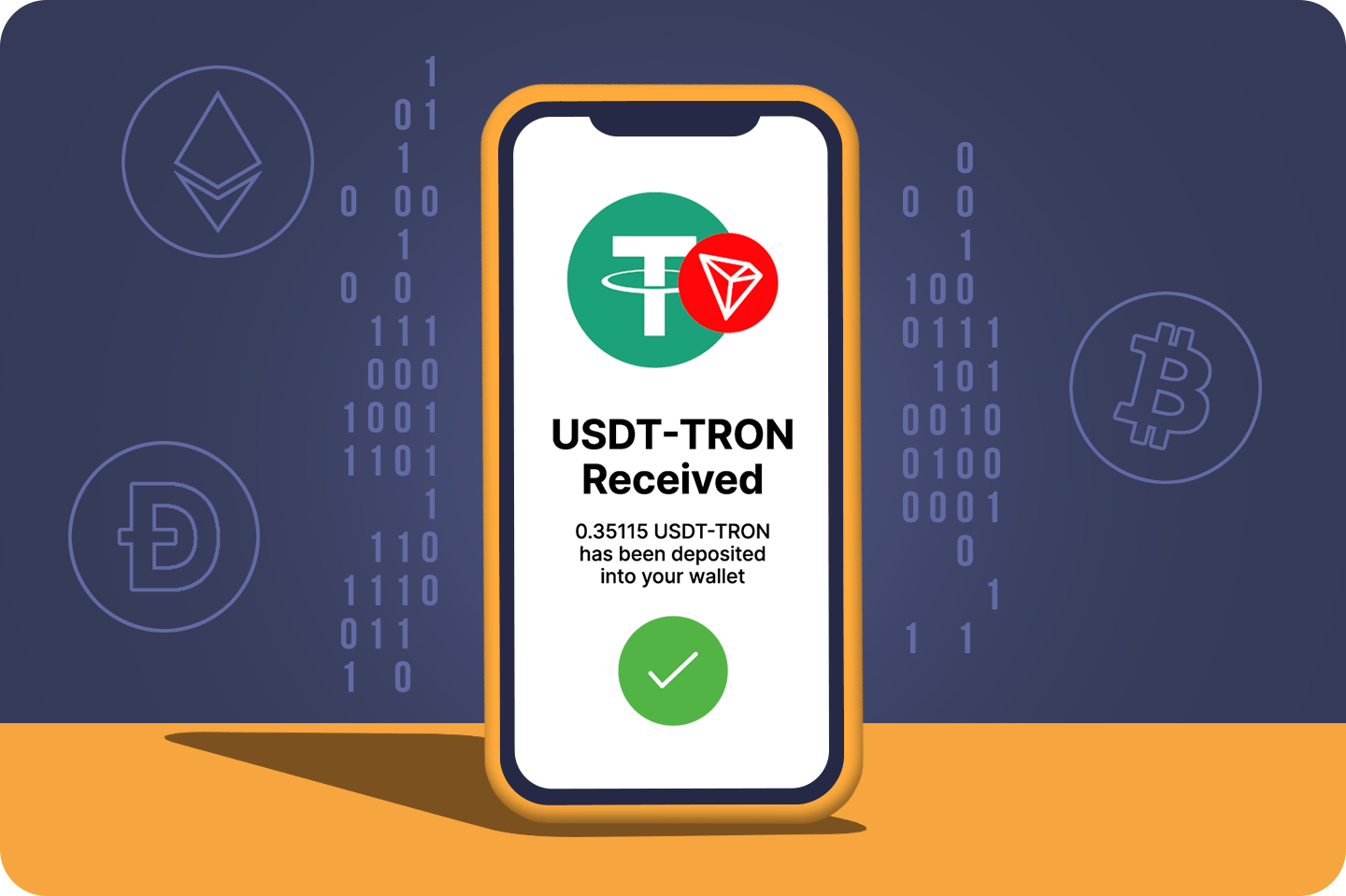
Step 5 - Insert Cash & Receive USDT-TRON
Insert the amount of cash equivalent to the USDT-TRON you purchased. A receipt will be sent via SMS.